



Buick, Chevrolet, GMC Flip Key Programming Instructions
To program a spare key when you already have one working key that starts the engine (Note: buttons do NOT have to work on your original key)
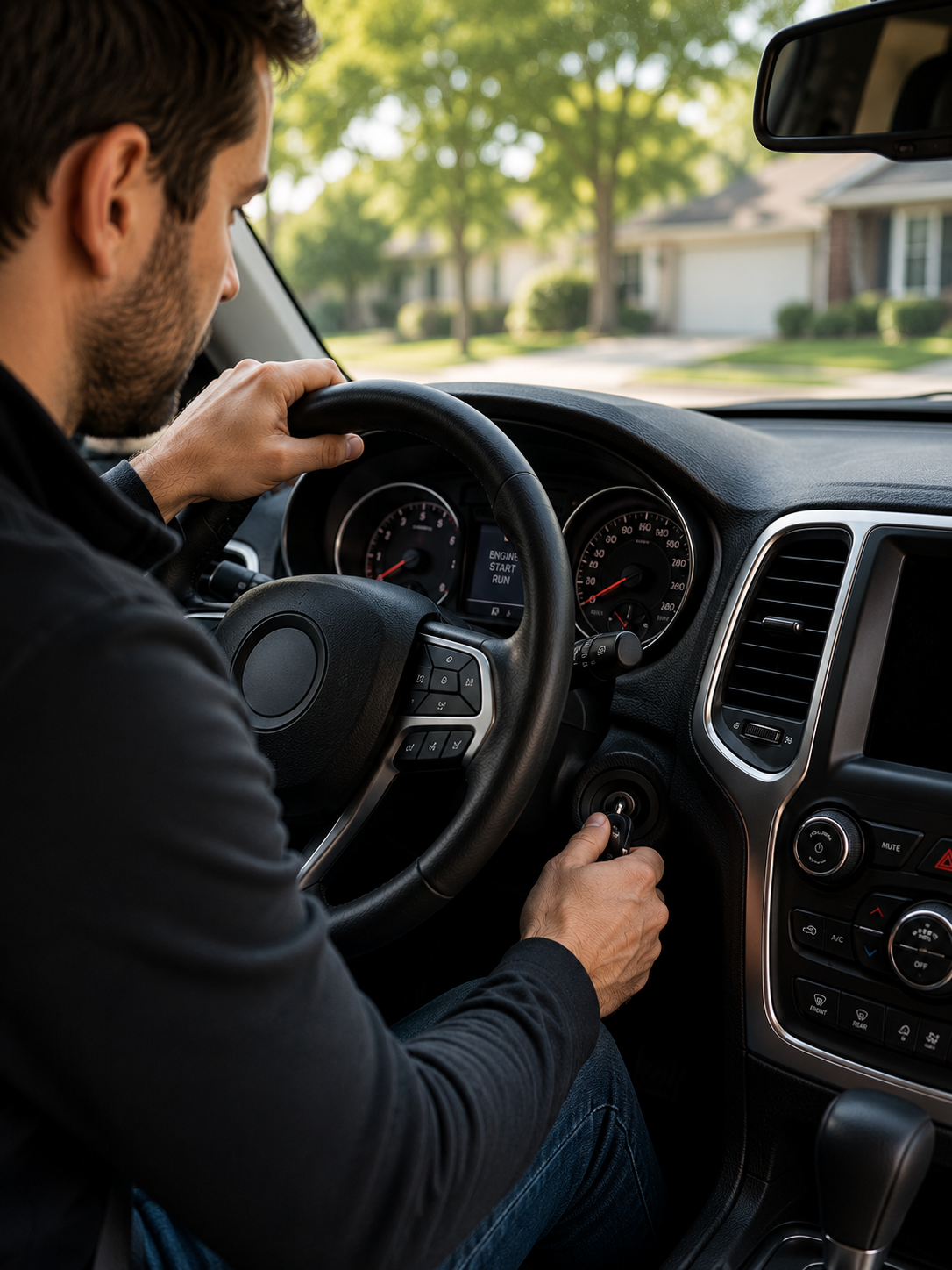
Before you begin: Have all existing and new keys present.
1. Insert the original working key (already programmed) into the ignition and turn it to the ON/RUN position (do NOT start the engine).
2. Turn the key to LOCK/OFF and remove it.
3. Within 5 seconds, insert the new key and turn it to ON/RUN.
4. The security light will turn off to confirm that the key has been successfully programmed. (This light may turn off very quickly after step 3.)
5. To program additional keys, repeat Steps 1–3 for each new key before ending the programming session.
6. Test all keys.
Need more assistance?
A few vehicles require two working keys or a longer, 30-minute procedure to program a new key. Contact us for assistance.
Problems? We’re here to help. Email help@tomskey.com for assistance or chat with us at tomskey.com.